Day one starts before the flight.
Workers sign in with the ID their employer gives them, check it's really them and set a PIN. No email address, no password to forget.


Case study 01 · SeasonReady
Most seasons run on a spreadsheet, a group chat and the owner’s memory: who’s arrived, whose documents expire, who can cover Thursday, who’s struggling. SeasonReady puts it in one system, with a worker app in every pocket and a dashboard on your desk. It's running beside you. Scroll, and it runs for you.Scroll to see it at work.
01 · What it solves
SeasonReady puts the season in one system: a worker app in every pocket and a dashboard on your desk. Here is what it takes off your plate.
Need to fill a shift?
Post it once. Workers see it on their phone and pick it up, and you approve it on the roster. See it live
Need everyone to know?
One notice from the desk lands on every worker’s phone, and you can see who has read it. See it live
Is everyone okay?
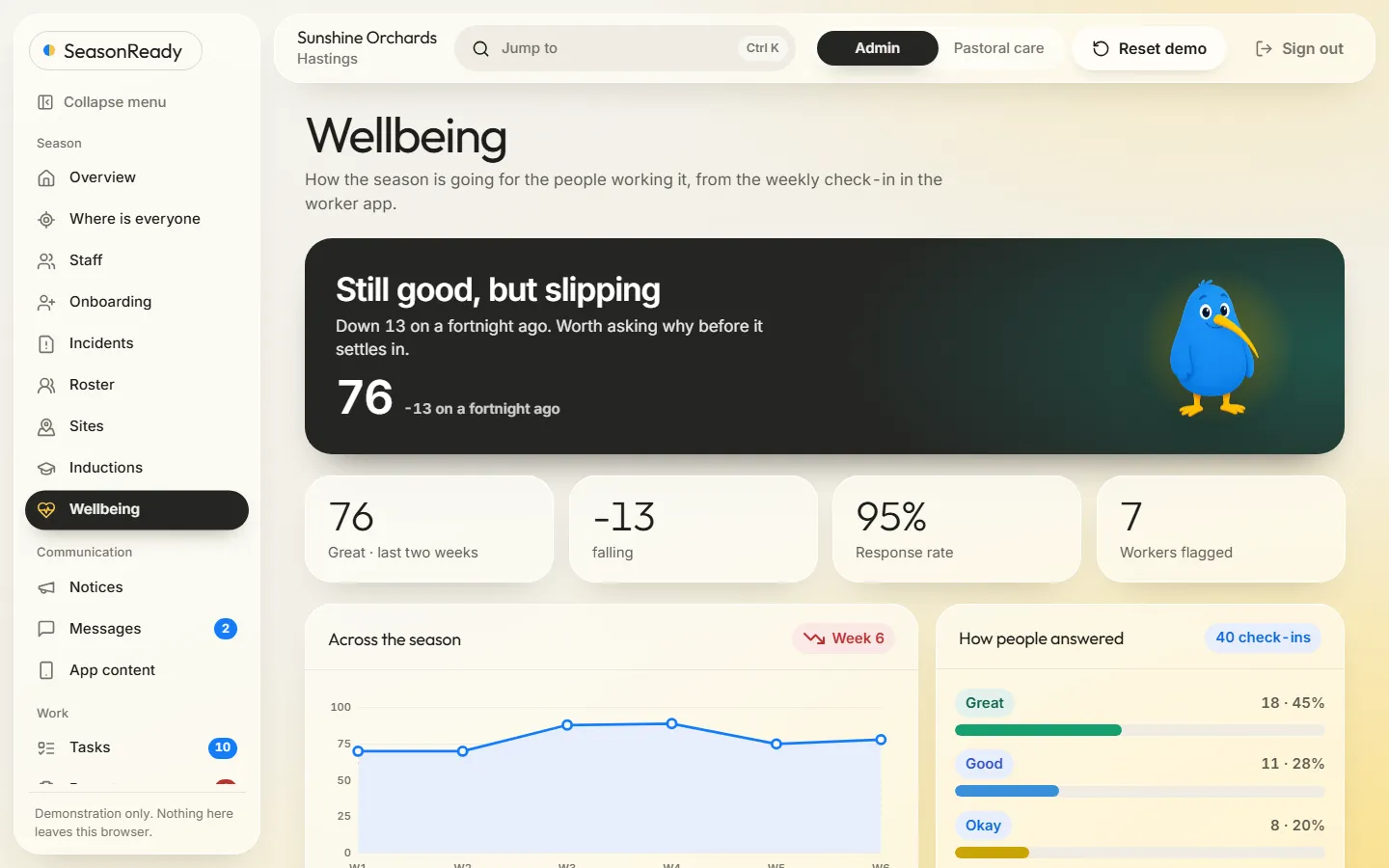
A two-tap weekly check-in becomes a wellbeing score with a trend, by team. Anyone asking for support is flagged for pastoral care.
Where is everyone?
A map of your sites: who is on shift where, who is off, who is sick, and who is unaccounted for.
Sick at 6am?
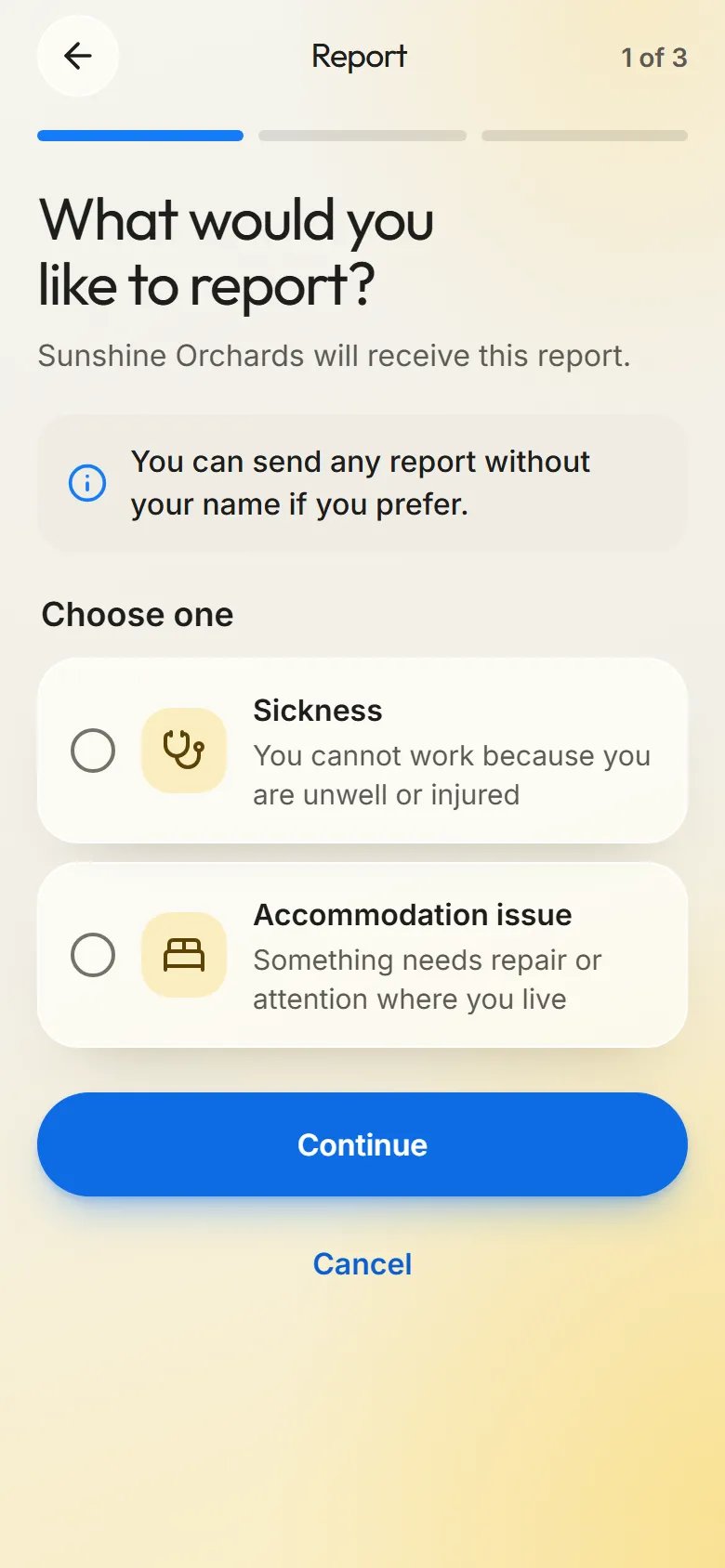
Two taps on the phone instead of a phone call. It lands on your desk with a clock running.
Is the paperwork in order?
Documents sorted by days until they expire, inductions tracked, and the season pack exported in one step.
Before we built
Not just arriving for a job. Leaving family, flying to another country, a new workplace, new house and new rules — often in a second language.
Running a small town as well as an orchard. Housing, transport, pastoral care and a roster that changes daily.
02 · The worker's side
Workers sign in with the ID their employer gives them, check it's really them and set a PIN. No email address, no password to forget.
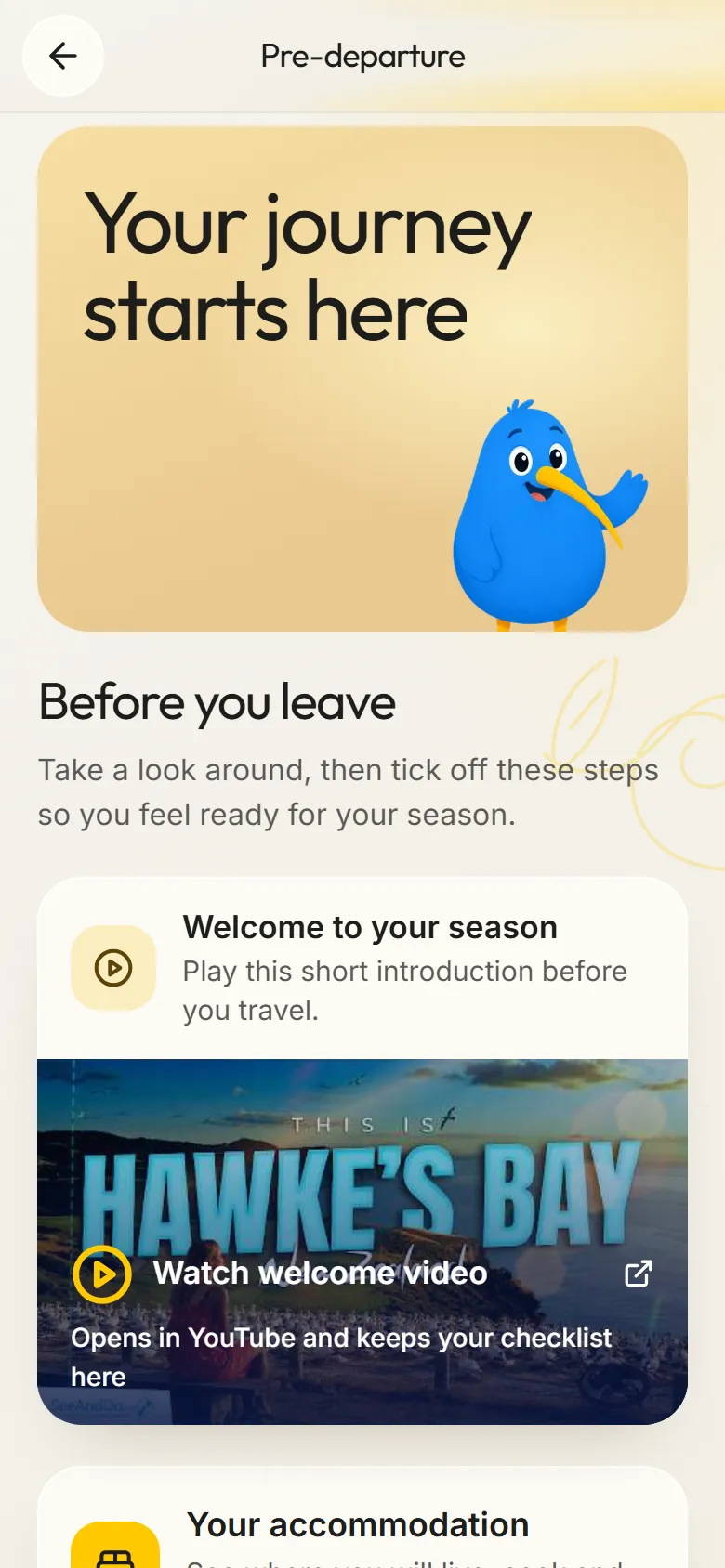
A short checklist and a welcome video, set by the employer. The home screen opens once it's done.
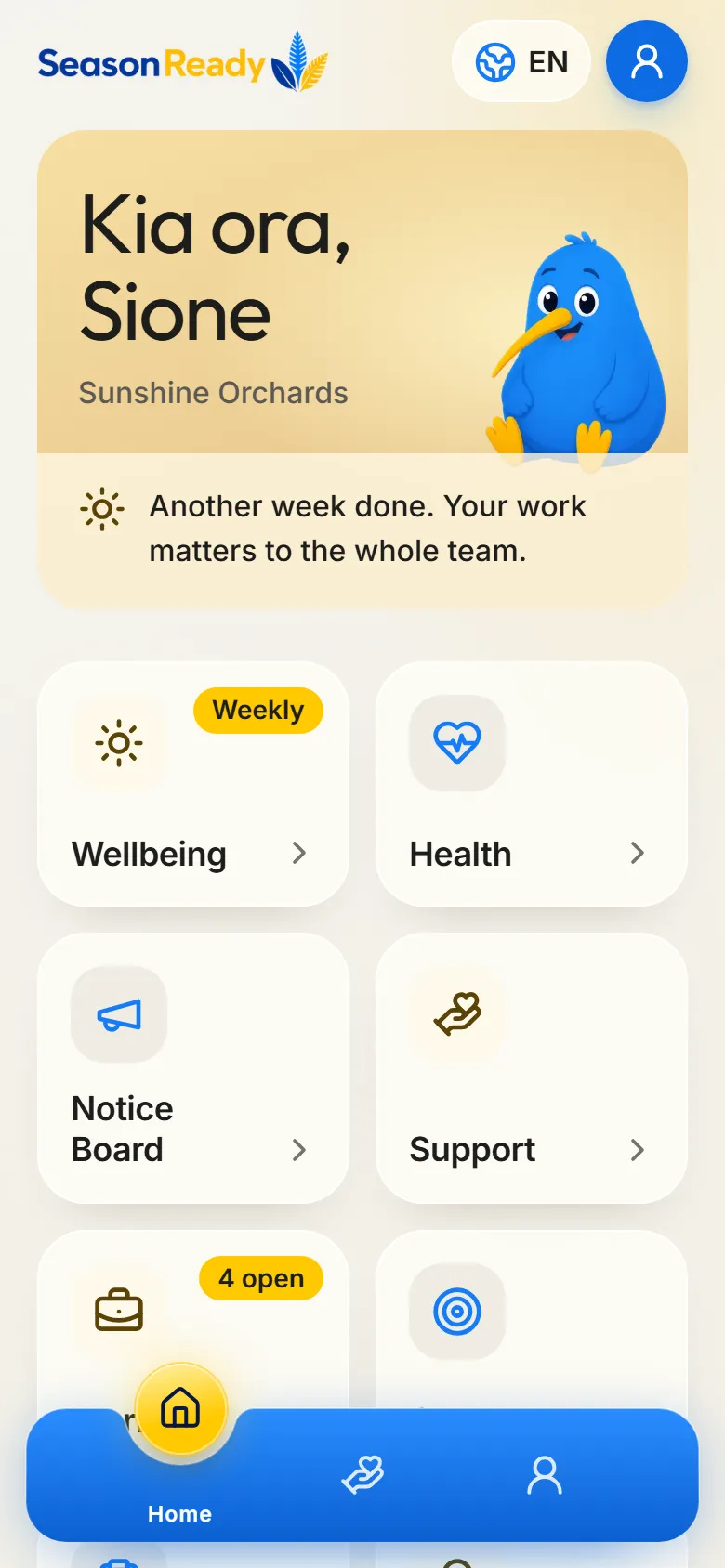
Their next shift, this week's check-in and — once it's close — the flight home. Not a menu of features. What's next.
Every shift from start to finish, with paid hours and days off spelled out.
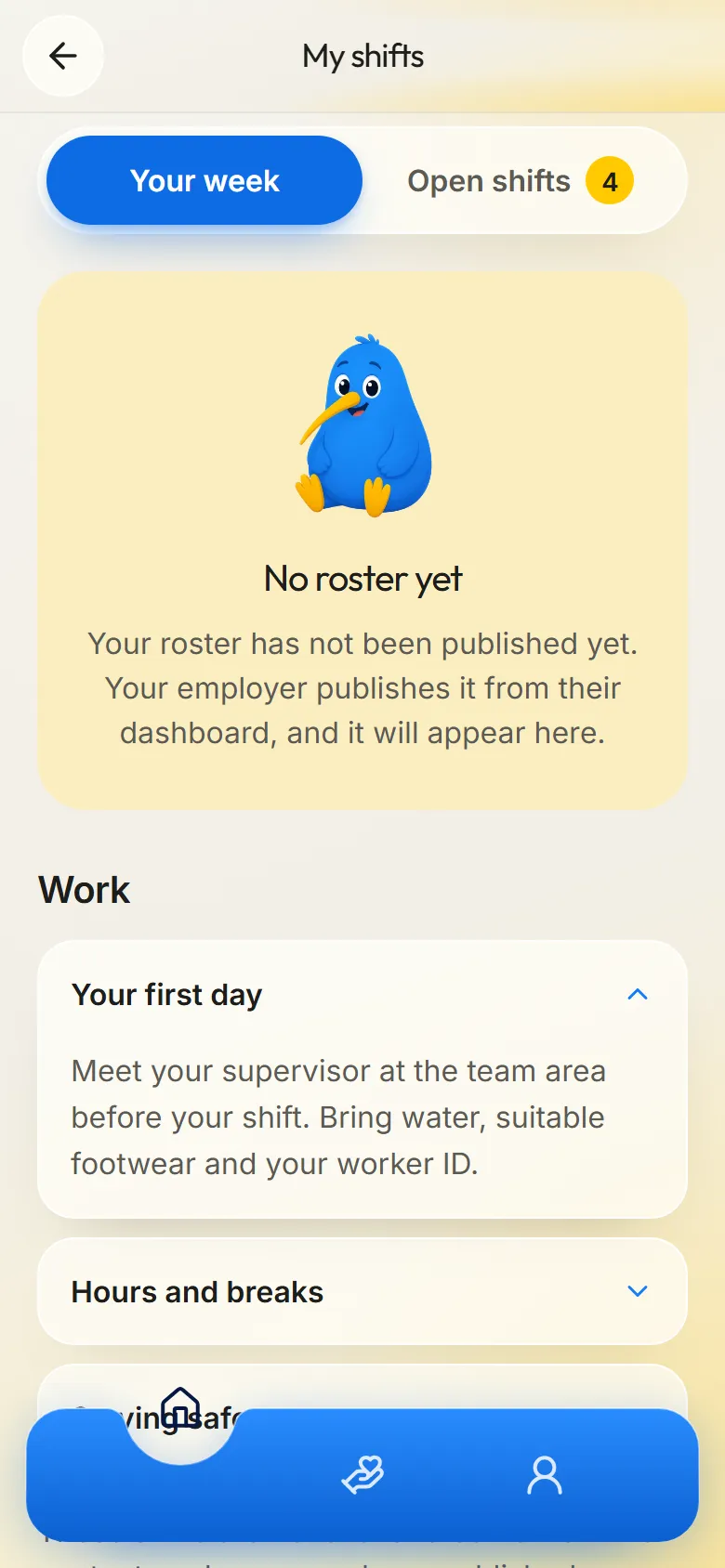
Report sick, an accommodation problem or something worse — under their name or anonymously.
03 · The employer's side
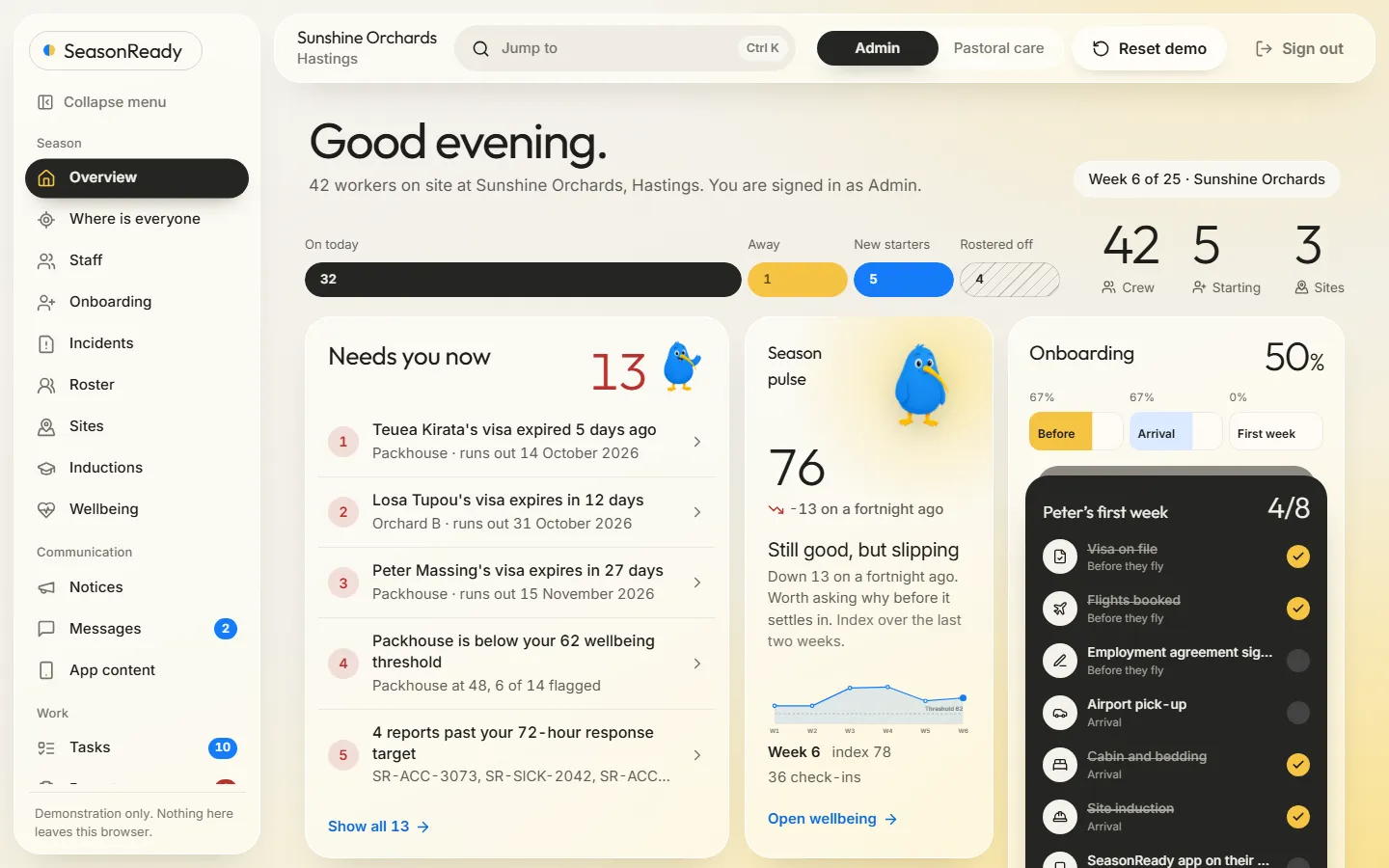
Not nine identical tiles. A ranked list — the lapsed visa first, because it's the one with a legal deadline.
Weekly check-ins roll up into one index and a trend. A high score that's falling says so.
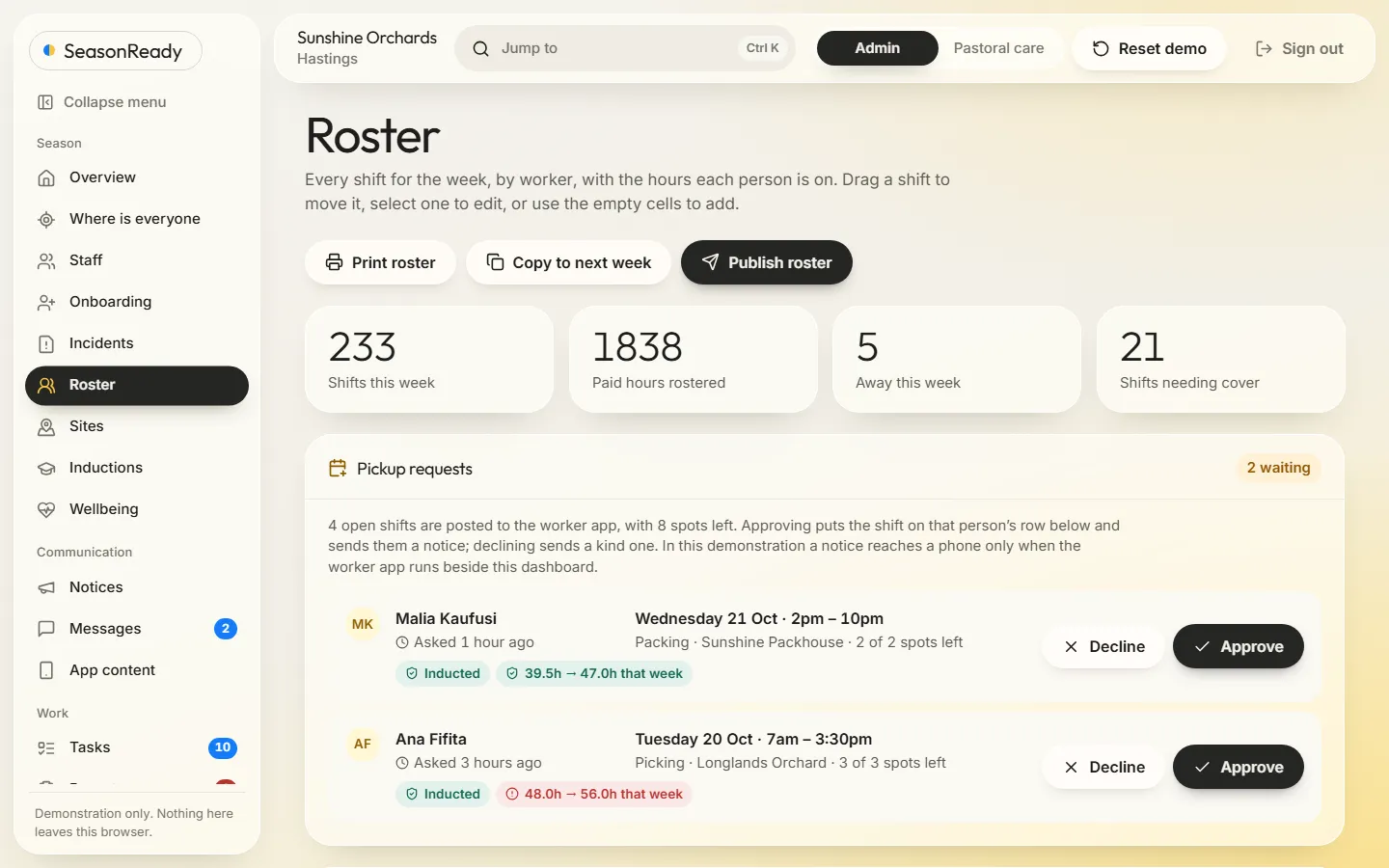
Shifts by person and day. Cover needed and hours over the limit are flagged before they happen.
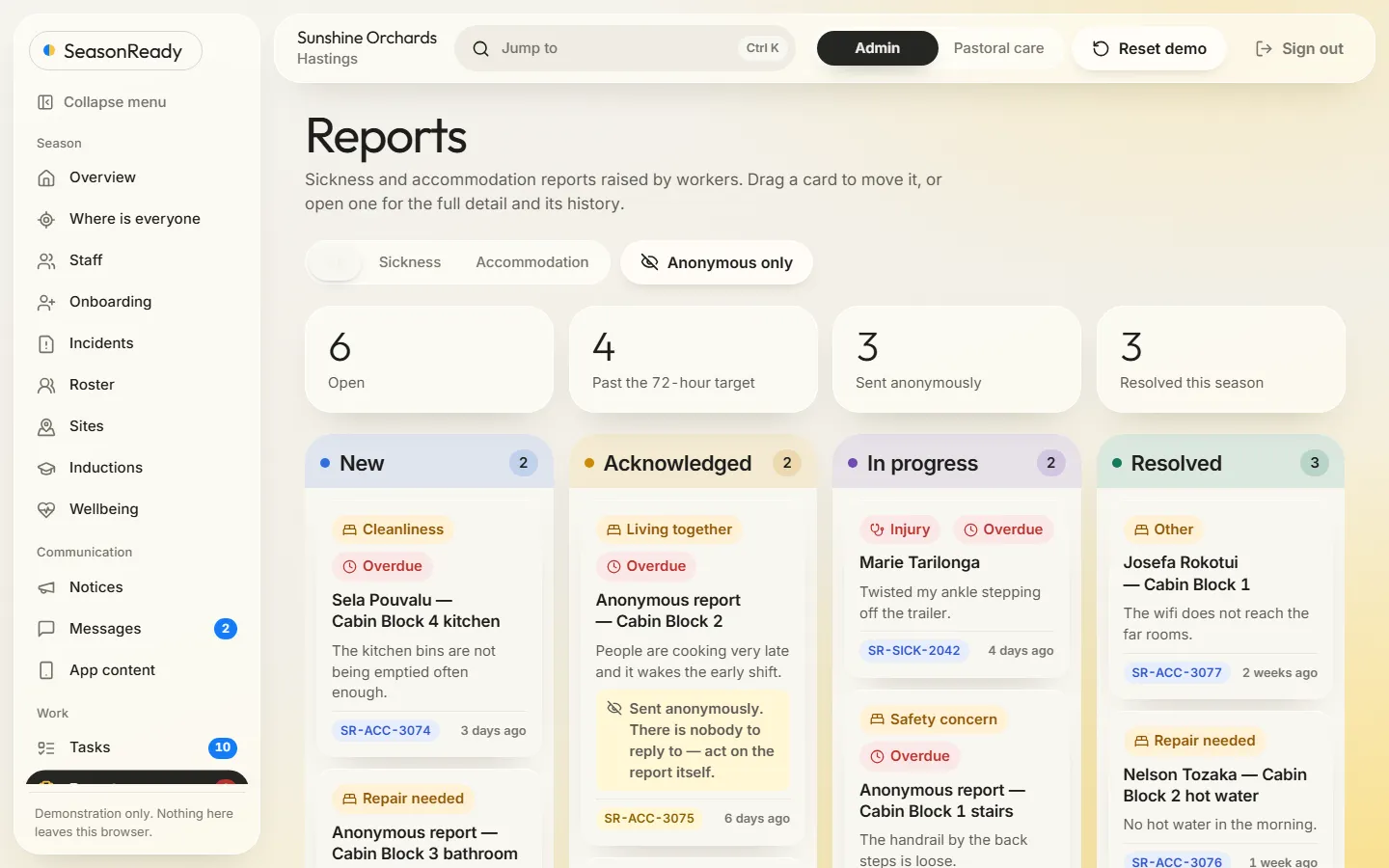
New, acknowledged, in progress, resolved — and who has it. Nothing sits in someone's inbox.
04 · The loop
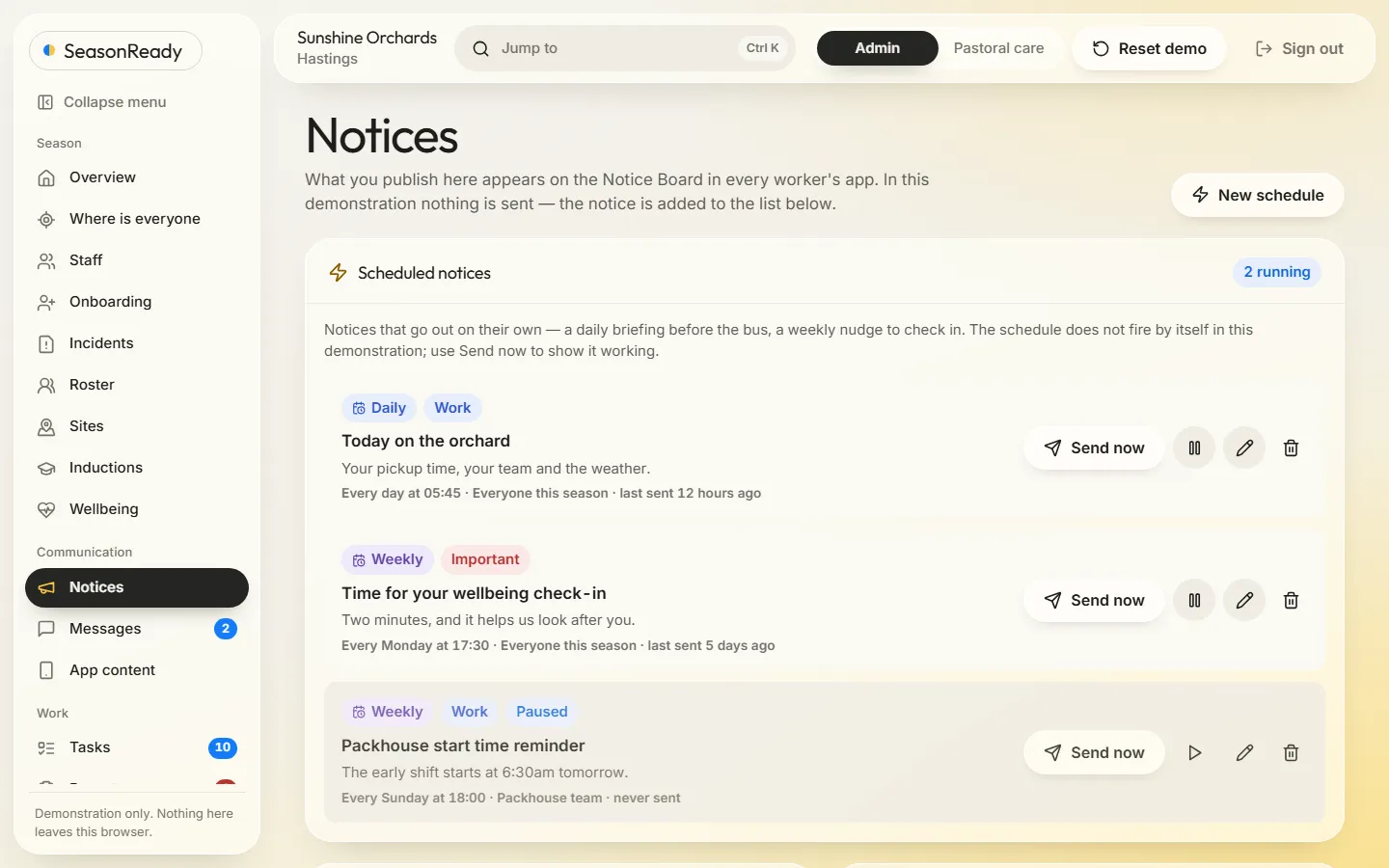
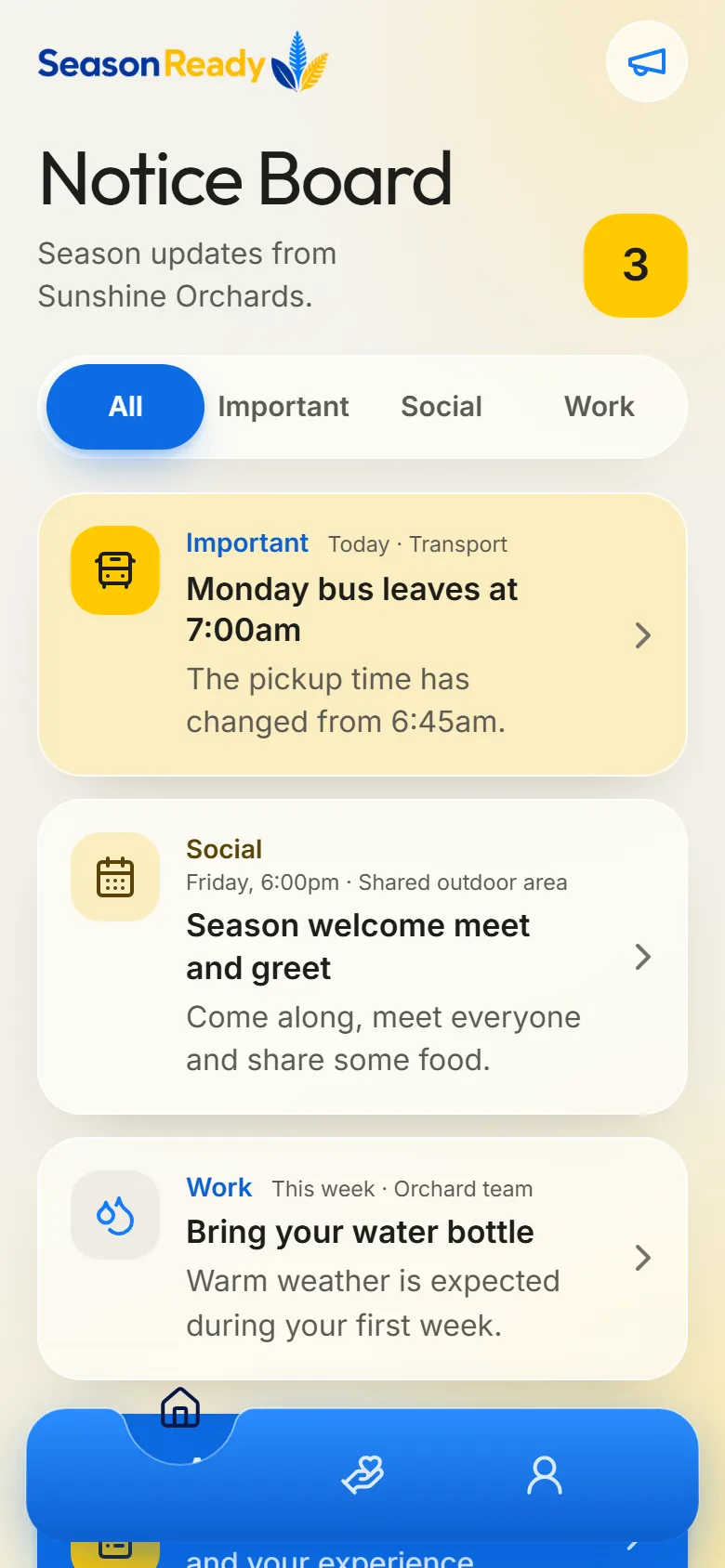
This is the part a spreadsheet can't do. Write a notice and publish it from the dashboard.
05 · Fill a shift
No ring-around. Open shifts show on every worker’s phone. One taps to pick it up, it lands on your roster, and you approve it.
The live apps load as you scroll. On a phone, open the apps linked below.
06 · Your version
Type your business and your region. Both apps change to match.
Inside the dashboard · new
Every season starts with a wave of arrivals: paperwork before they fly, a cabin and a site induction when they land, and a first week that decides whether they come back. The Onboarding screen keeps each new starter’s first week in one place. Visa, flights and cabin come straight from the staff record, and signing off the site induction here signs it off on Inductions too. Tick off a first week, or pick someone else who’s starting. Anything you change stays in your browser.
Does your business need this?
Paperwork, inductions, accommodation and first-week check-ins add up fast in a busy season. Find out where your onboarding hours go.
Seven quick questions. You see your first answer before we ask for an email.
07 · How we got here
Counted from the repository at commit 39c7c58, not estimated.
Shaped with an industry-informed partner, with both sides of the season in the room.
Fern and coral, Pacific patterns, a blue and yellow that felt like sunshine on an orchard. Each one drawn as a real screen, not a mood board.
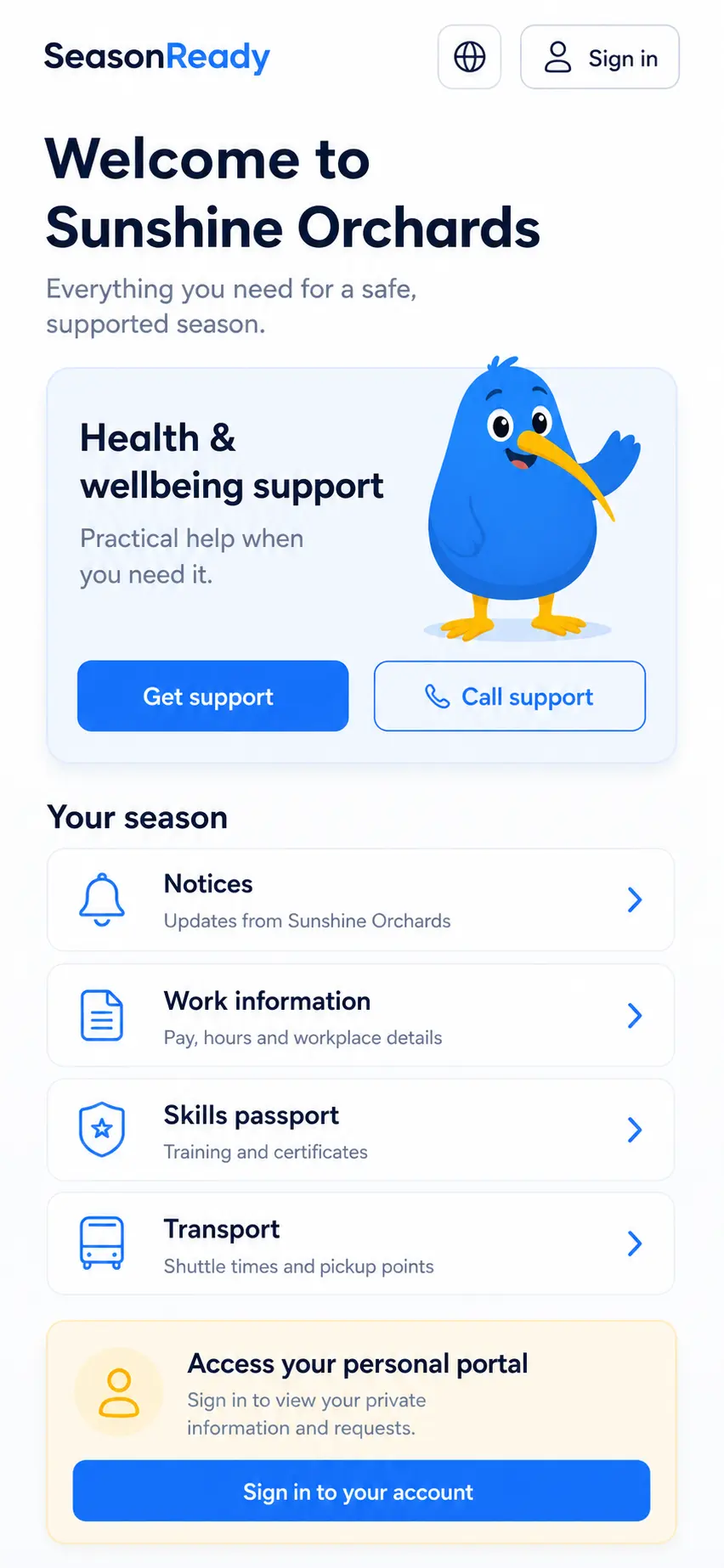
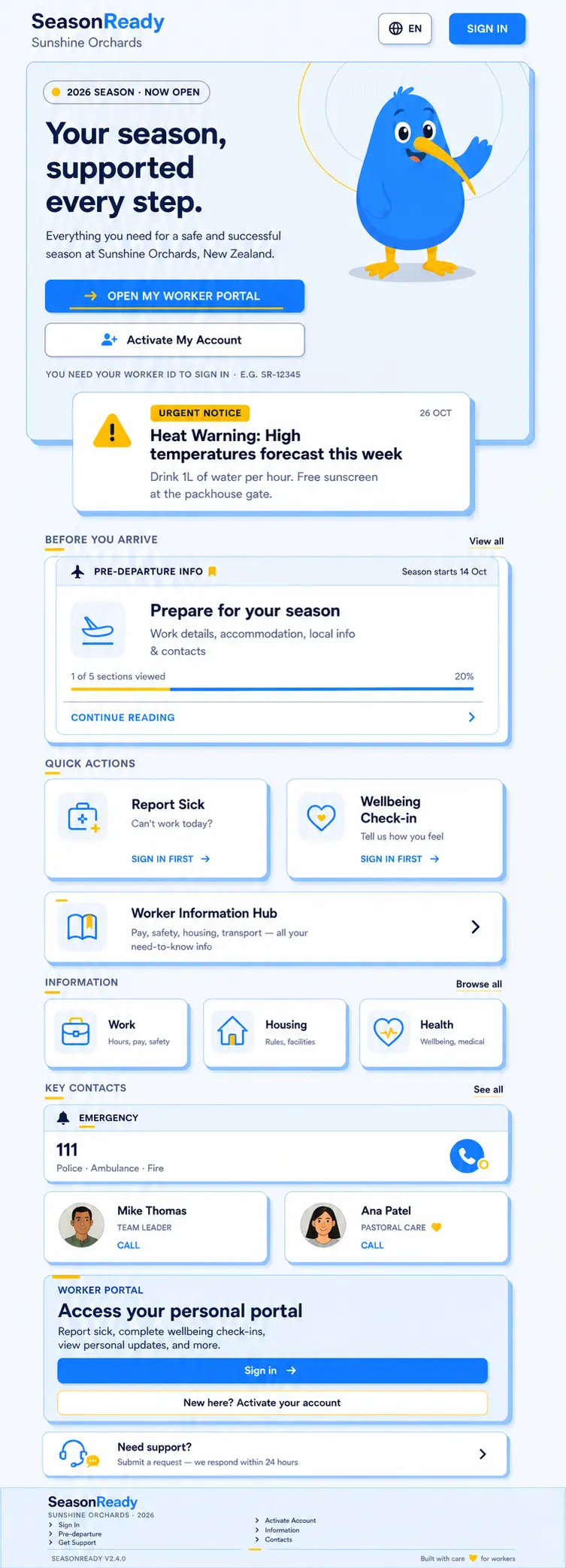
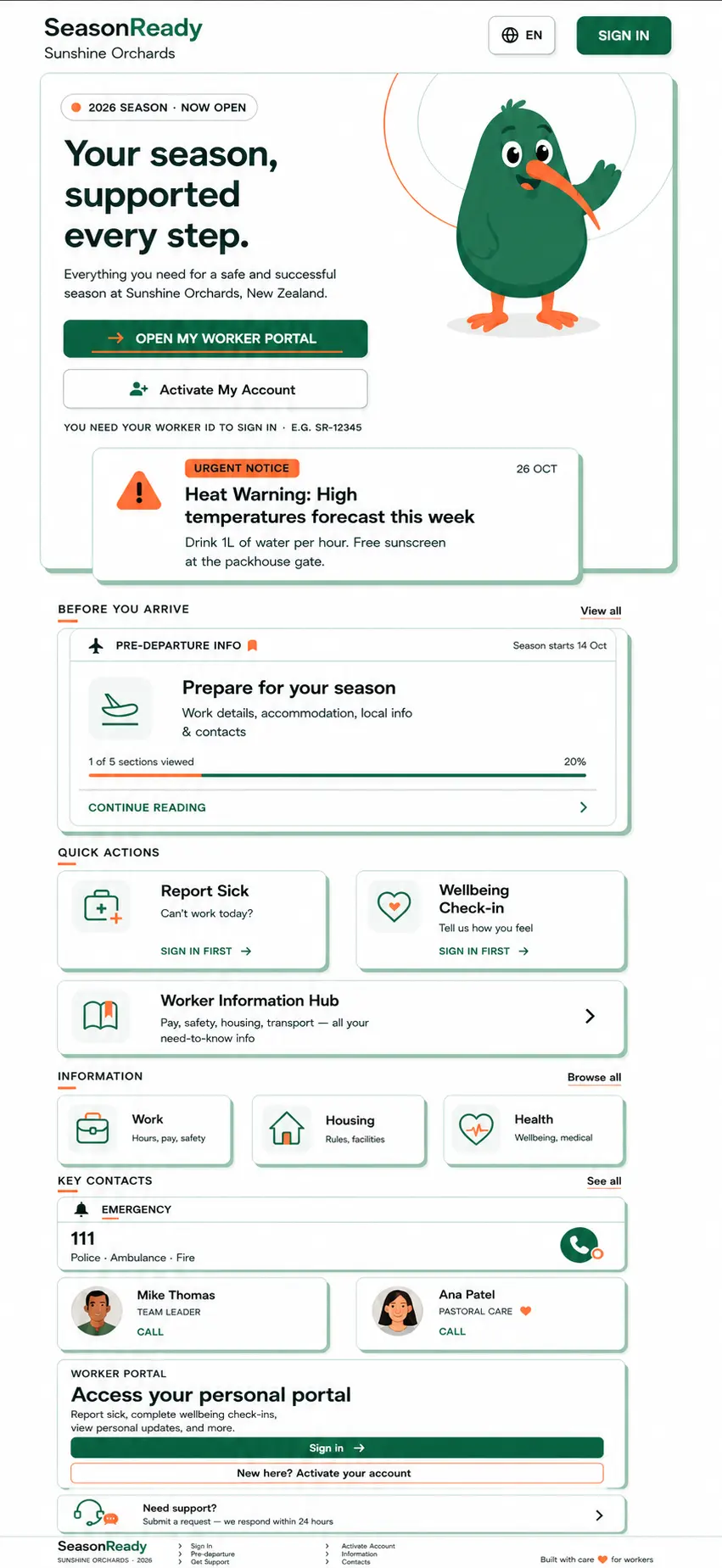
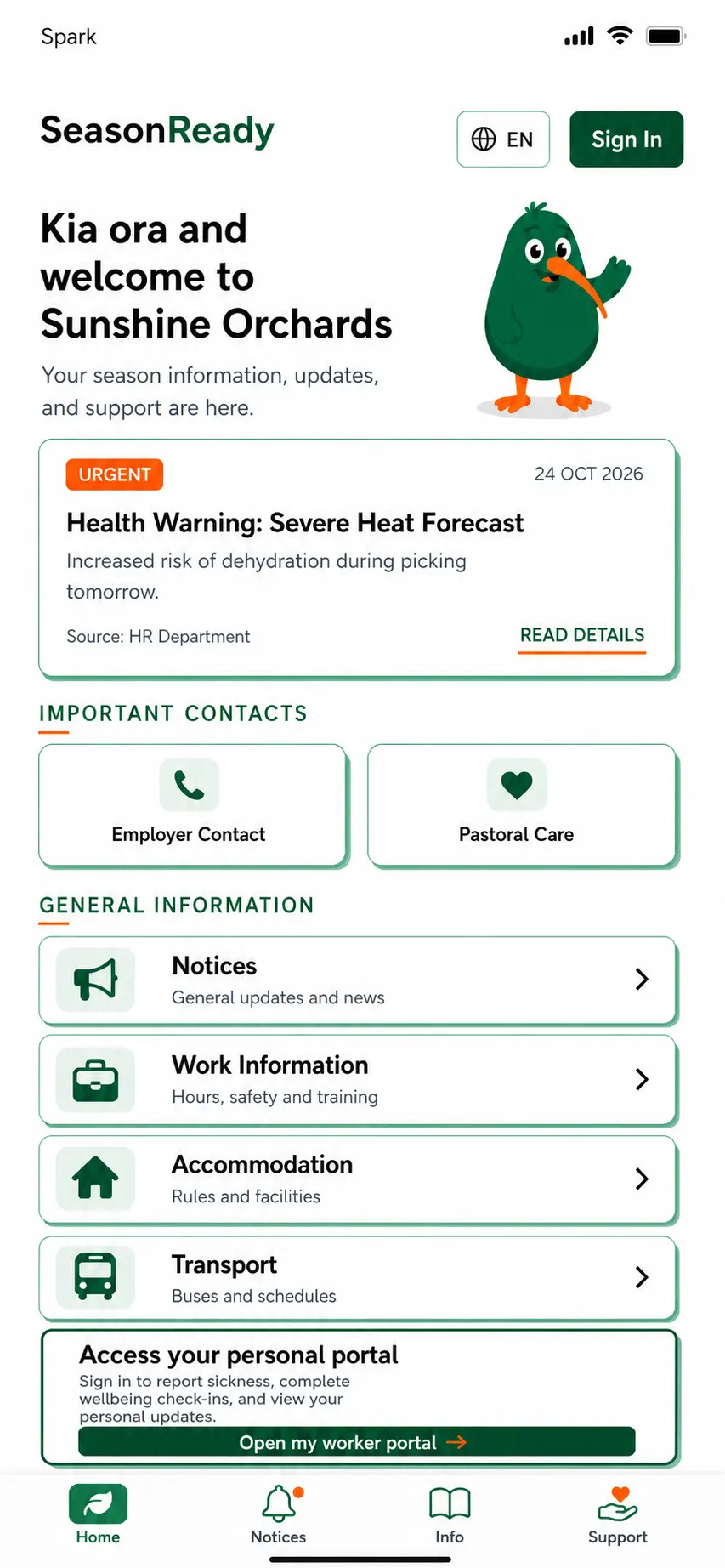
Blue for trust and connection, yellow for warmth and support. One promise on every screen: prepared, informed, connected, supported.
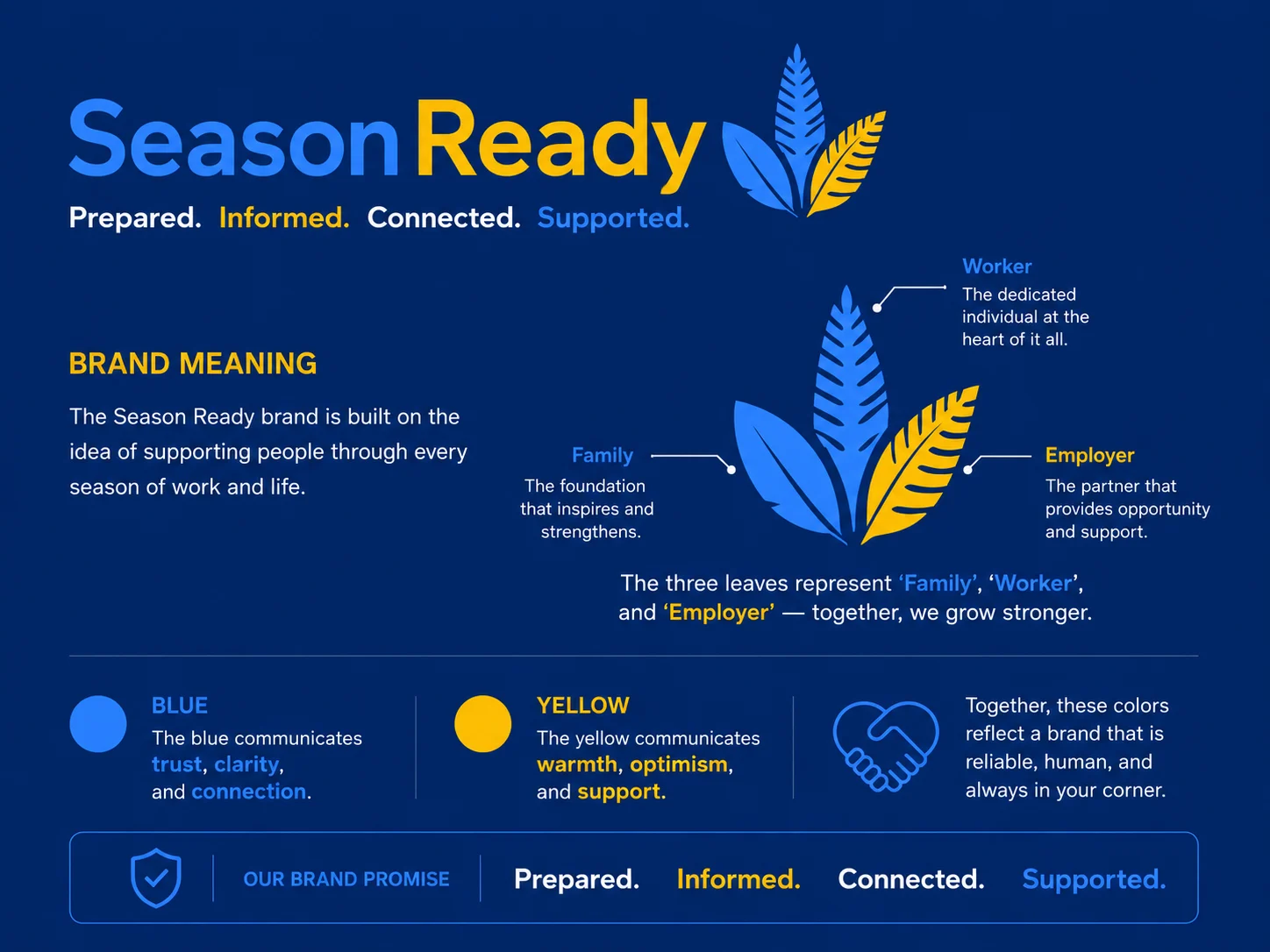
Tested by driving whole journeys — real typing, real taps — not just checking buttons render.
One state, one reducer, and every change written to a readable activity log.
They deploy separately, so they share a versioned content pack — byte-identical in both, with a test that fails if they ever drift.
A bridge so this page can drive both apps. You've just been scrolling through it.
The system behind it
How it compares
Most employers who outgrow the spreadsheet look at a rostering subscription next. Here’s how those compare with a seasonal system the business owns.
| Deputy | Tanda | SeasonReady | |
|---|---|---|---|
| Price | From US$5 per user a month, with a US$30 monthly minimum | From $12.80 + GST per user a month | No per-worker fee. A one-off build, plus a monthly care plan if we host and look after it. |
| Rosters | A core strength | A core strength | Rosters with the gaps showing, and open shifts workers pick up from their phone |
| How staff are going | Shift Pulse: feedback after each shift | Not listed on its pricing page | A weekly check-in, rolled into a team wellbeing index with a trend |
| Seasonal paperwork | A general workforce tool | A general workforce tool | Documents with expiry dates, travel, pastoral care and the season pack |
| Where the data lives | Deputy’s cloud | Tanda’s cloud | In the employer’s own account |
Fair to say Deputy and Tanda are mature rostering and timesheet tools with payroll connections, and Deputy already asks staff how each shift went. If rosters and timesheets are all you need, they’re a good choice. SeasonReady is for the parts of a season they weren’t built for, and the whole thing is yours.
Prices from deputy.com and tanda.com.au, checked October 2026. Deputy bills NZ accounts in AUD. The employer is illustrative.
08 · Under the hood
Every control does something. Connection and access requirements are clear.
Every tile, chart and board reads the same records, so they can't disagree.
A partial or broken content pack falls back section by section instead of failing.
A written spec, a deploy guide and a handover note ship with the code.
React 19 · TypeScript · Vite · React Router 7 · Vitest · Playwright
09 · Your build
Explore the app and dashboard here in your browser. A commissioned version connects your records, access rules and business systems around how your people work.
Tell us what workers and your team need to share. We'll explore the app, dashboard and backend requirements for your version.
It’s yours. No one else owns it.